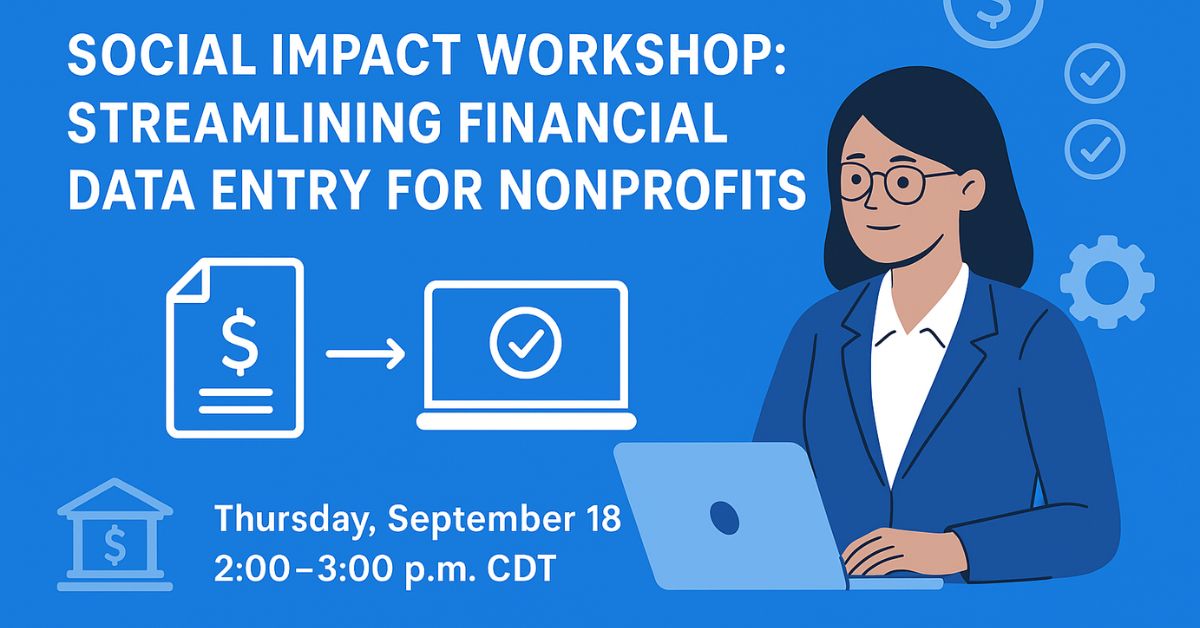
Nonprofit organisations operate under constant pressure of time, resources, and accountability. Every hour spent on manual data entry, delayed invoice approvals, or reconciling payments is an hour less devoted to mission-driven work. Recognising this, Suitepedia is proud to host the Social Impact Workshop: Streamlining Financial Data Entry for Nonprofits on Thursday, September 18, 2025, with a follow-up session on Thursday, September 25, 2025.
This workshop teaches participants how to drive NetSuite AR AP automation for nonprofits. We show you how to accelerate accounts receivable (AR), simplify accounts payable (AP), reduce manual labour, improve financial visibility, and maintain high standards of governance.
Table of Contents
ToggleWhy Automation Matters for Nonprofits
Nonprofits face a unique combination of requirements: multiple funding sources (donations, grants), constraints on how funds can be used, tight audits, and often limited financial staff. In this context:
- Manual AR & AP workflows lead to delays, errors, and poor vendor/donor relationships.
- Without automated cash application in NetSuite, matching payments to invoices can take hours or days.
- Tools like Payment Link in NetSuite and Bank Payments can reduce friction in collecting revenue and paying bills.
By investing time in learning automation, organisations can reassign labour to strategic work, improve compliance, and scale more sustainably.
Workshop Overview: What You Will Learn
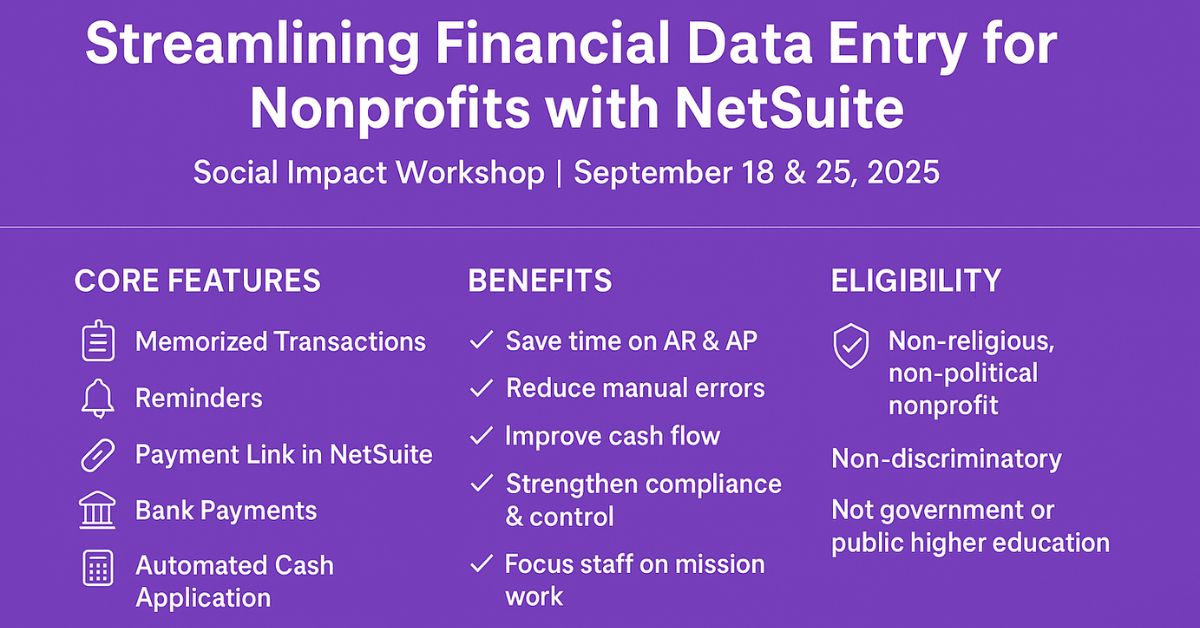
In the two‐part workshop series, we cover:
- Core NetSuite functionality
- Memorized transactions and reminders: Automate recurring bills or invoices so your team doesn’t have to re-enter common entries.
- Role of reminders in AR & AP: Avoid overdue invoices (AR) or late payments (AP) that can harm cash flow or vendor trust.
- Advanced features & tools
- Payment Link: Let donors or customers pay invoices through secure, simple links. Streamline AR.
- Bank Payments: Automate vendor payments and reconcile bank statements more smoothly.
- Automated Cash Application: Match incoming payments to open receivables with minimal human intervention.
- Best practices, options & decision points
- Deciding between manual vs. automated workflows.
- Establishing internal controls and audit trails.
- Measuring the impact of automation on accuracy, speed, and resource allocation.
Eligibility & Audience
This webinar is open to eligible nonprofit NetSuite customers. The criteria include:
- Primary purpose is non-religious, non-political.
- No discrimination by race, gender etc.
- Not a government entity or public higher education institution.
If your organisation meets these, you will benefit from learning how NetSuite AR AP automation for nonprofits can be tailored to your organisation’s financial needs.
How NetSuite Supports AR & AP Automation
NetSuite already has built strong foundations for nonprofit financial management. Some relevant features include (drawn from NetSuite’s financial management and nonprofit accounting materials):
- Accounts Payable automation: matching incoming invoices to purchase orders and delivery receipts, applying approvals, scheduling payments.
- Accounts Receivable automation: invoice creation, reminders, tracking payment status, dashboards that show ageing receivables.
- Fund accounting, grants tracking, dashboards, and real-time reporting for nonprofits, which helps tie revenue and expense to donor restrictions.
The workshop will build on these to show how tools like Payment Link, Bank Payments, and Automated Cash Application plug in to reduce manual data entry.
Top Benefits You Will Gain
By attending, your nonprofit can expect:
- Time savings: less manual data entry, faster invoice and payment cycles.
- Reduced errors: automated matching reduces risk of duplicate or missing entries.
- Cash flow improvement: faster invoicing, timely payments, clearer understanding of incoming/outgoing cash.
- Stronger financial control and compliance: audit trails, reminders, internal approvals.
- Reallocation of resources: staff can focus on mission-centric activities instead of admin work.
Examples & Use Cases
- A nonprofit using Automated Cash Application within NetSuite saw its AR reconciliation time drop by half, because incoming payments from donors and clients got matched automatically to open invoices.
- Another organisation implemented Payment Link for its recurring donor payments; this reduced delays in receivables and improved donor satisfaction.
- With Bank Payments, a nonprofit enabled vendor invoice payments to be scheduled and reconciled automatically, minimizing late fees and strengthening vendor relationships.
What To Do Before the Workshop
To get the most out of the sessions, we recommend nonprofits:
- Audit current AR & AP workflows. Note where manual steps exist.
- Identify recurring invoices and payments which might benefit from memorized transactions or reminders.
- Review your chart of accounts and fund accounting setup to ensure it aligns with your reporting and compliance needs.
- Prepare specific questions or pain points: for example, “How do I reduce days sales outstanding in my AR?” or “How do I reconcile bank payments faster?”
Conclusion
If your nonprofit is seeking to boost efficiency, reduce friction, and improve financial stewardship, this Social Impact Workshop offers a concrete, hands-on path to leveraging NetSuite AR AP automation for nonprofits.
Don’t miss the chance to explore Payment Link, Bank Payments, Automated Cash Application, memorized transactions, and reminders. Register now to save time, reduce risk, and refocus your financial team on what matters most; your mission.
First session: Thursday, September 18, 2025, 2:00-3:00 p.m. CDT
Follow-up: Thursday, September 25, 2025, 2:00-3:00 p.m. CDT